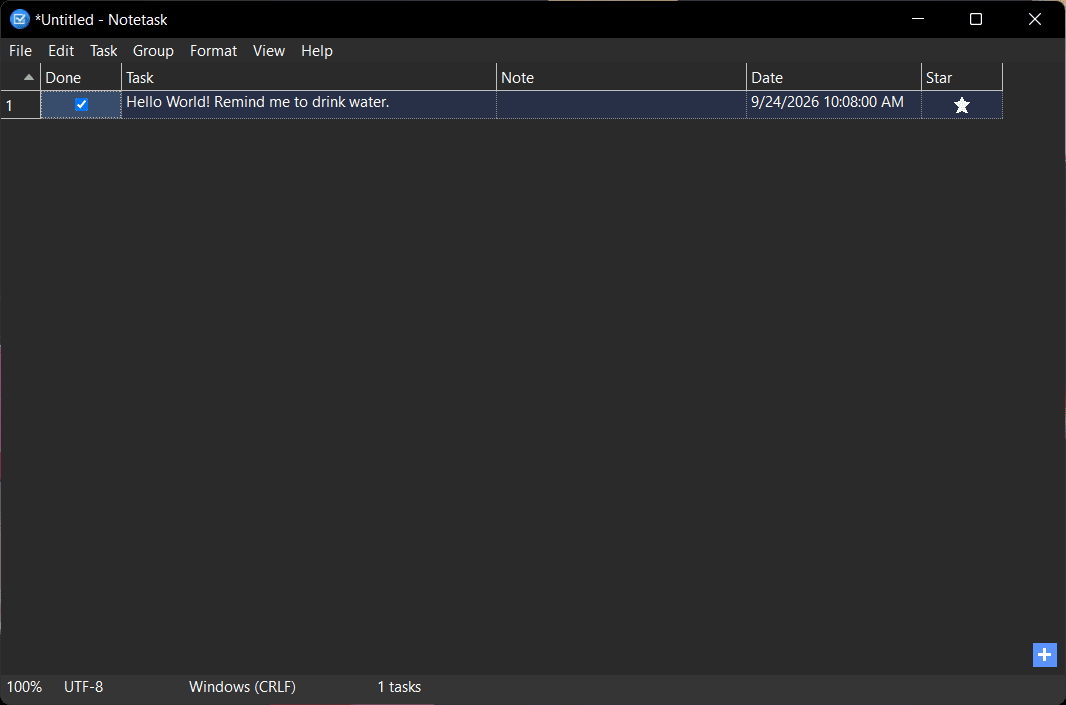
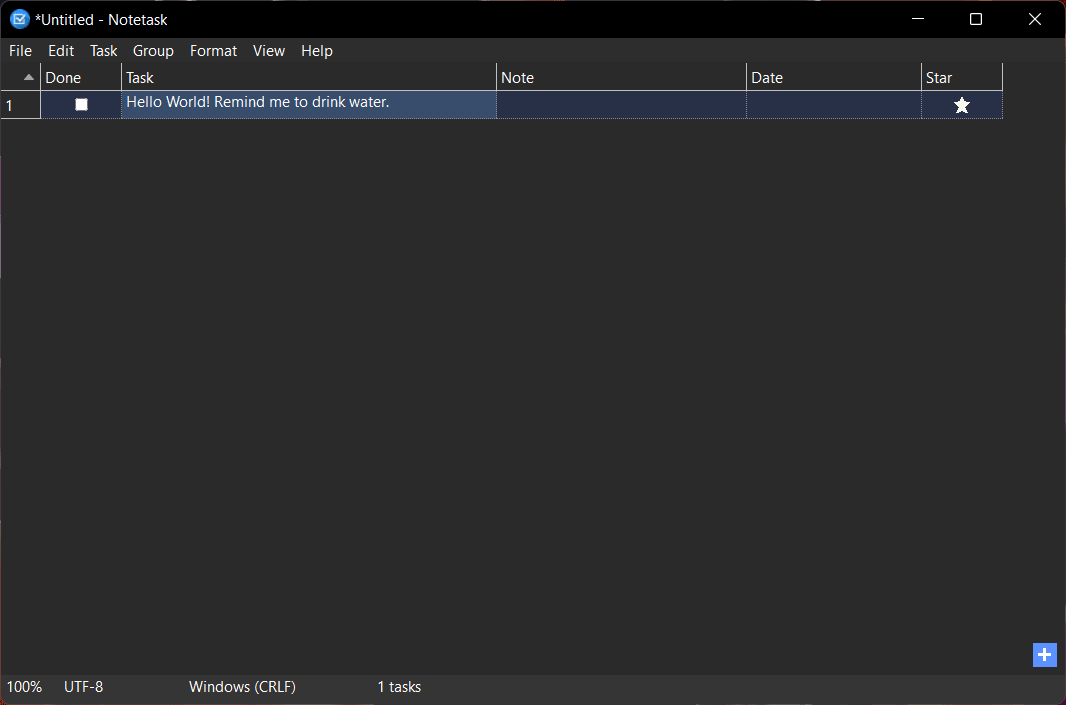
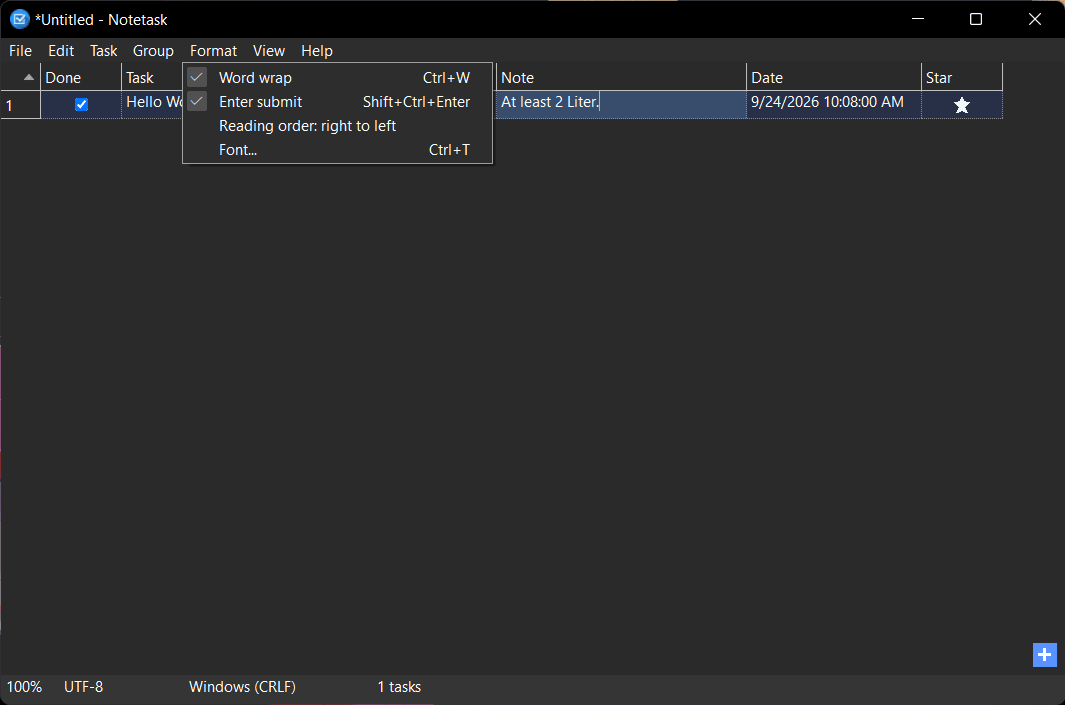
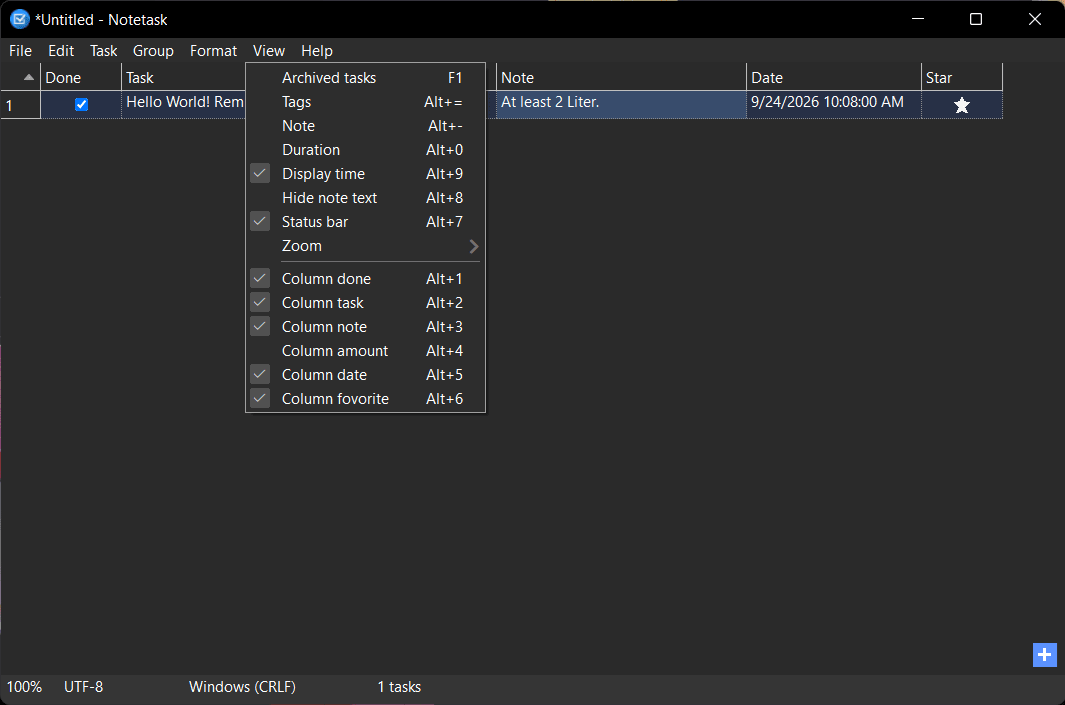
Notetask is an open-source task management and note-taking application designed for users who want complete control over their data. It avoids forcing you into cloud ecosystems and monthly subscriptions like other modern apps, operating entirely offline and locally. While this keeps your data completely safe, it also means that you cannot sync it anywhere else.
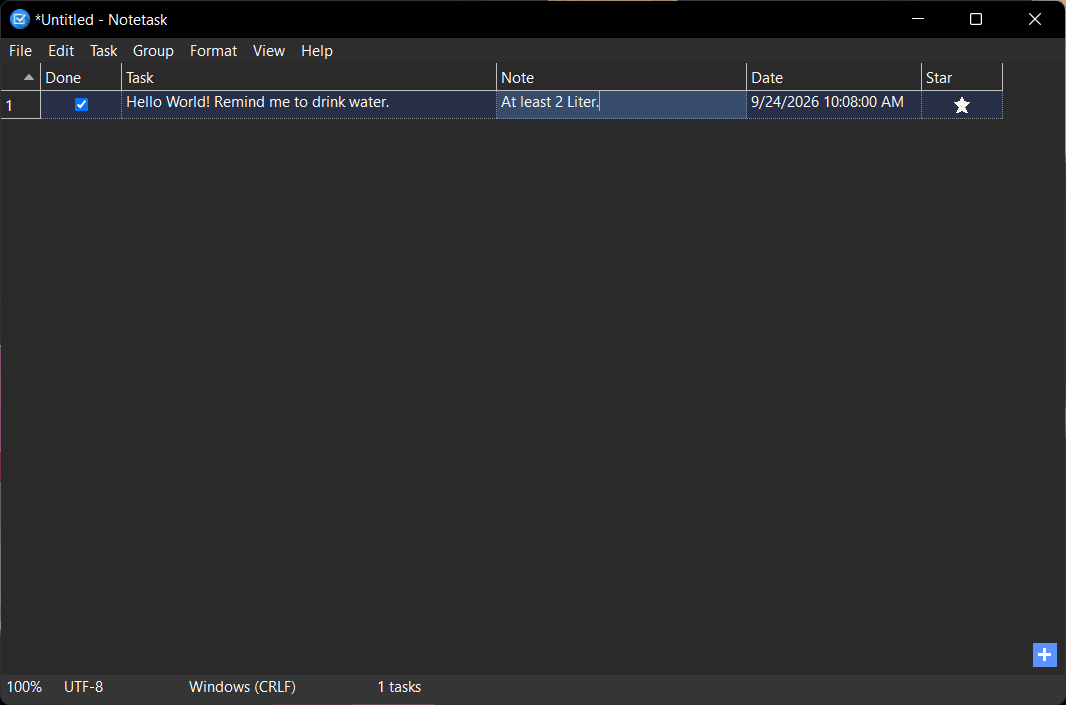
It is built to help users quickly organize a large volume of routine tasks, ideas, and project requirements without the clutter of web-based interfaces. Its table-based interface allows you to view tasks, attached notes, and due dates all in one centralized location. Because it runs locally and relies on lightweight plain text files, it is incredibly fast and respects user privacy by default.
Local, markdown-based storage
Notetask is a completely free, open-source app that rejects the cloud model. Everything you write and create within the app is stored locally on your device in a plain text format based on Markdown. This means your data is never locked behind a proprietary database; you can easily copy, paste, and export your tasks as raw text, ensuring complete data ownership and longevity. It is never uploaded anywhere.
Military-grade encryption
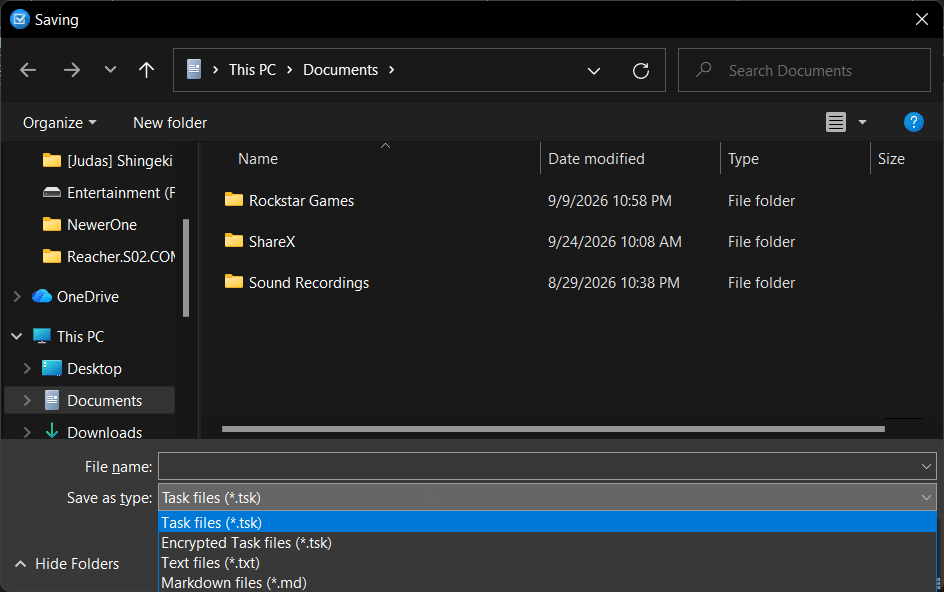
For users storing sensitive personal information, Notetask offers you encryption when saving your files. It can encrypt your task files using AES-256 in CBC mode, paired with password protection. To do this, you have to complete the following steps:
- Create your file in Notetask and populate any tasks/notes you wish to protect
- Click on File > Save
- Type a name for your file and change the format you are saving in to encrypted task files instead of standard task files
- When you click on Save, a password prompt will appear
- Choose your password and save
Now unless you have the correct password, you cannot open this file.
Advanced task manipulation
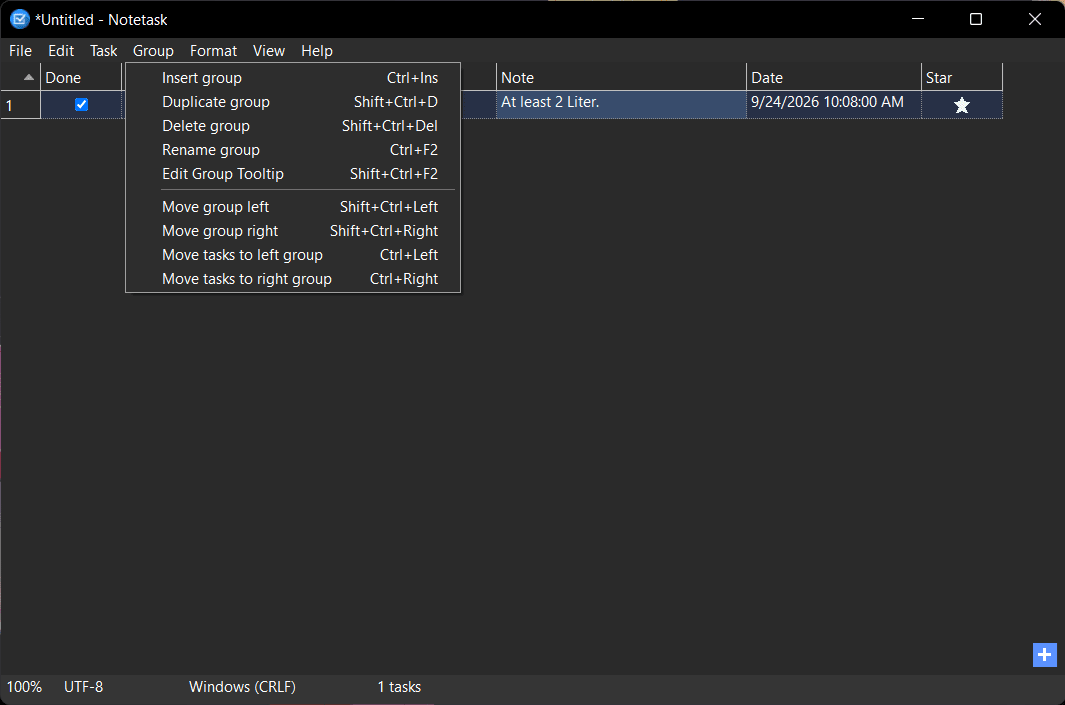
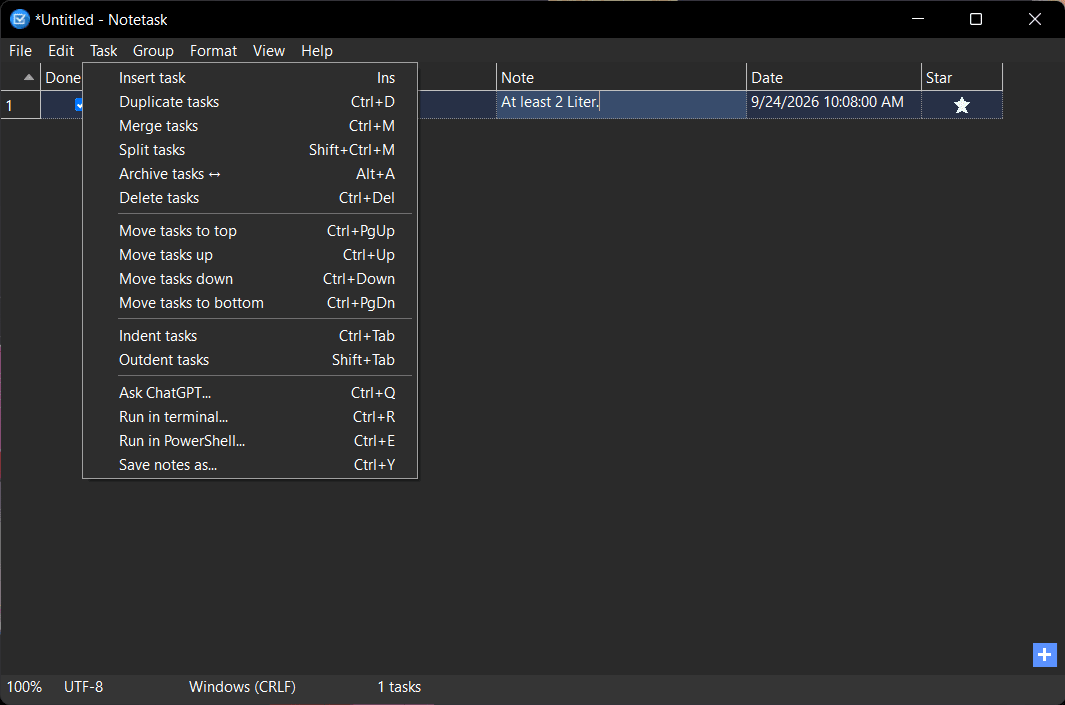
In terms of customization and manipulation, the app allows you to indent items to create subtasks, merge tasks, and even split a single task into multiple ones. When dealing with a large number of tasks, you can also organize tasks into paginated groups (similar to spreadsheet tabs) to keep different projects strictly separated.
Duration and financial tracking
One of Notetask's standout features is its ability to track metrics. You can assign quantities, prices, or time durations to individual tasks. The application's status bar then dynamically calculates and displays total amounts spent or elapsed time for your selected tasks, making it surprisingly useful for shopping lists or tracking freelance hours.
ChatGPT and terminal integration
While Notetask is overall a pretty basic app, it still includes modern productivity shortcuts and AI. It allows you to send quick queries directly to ChatGPT and even provides the option to run your selected comments/tasks in Terminal or PowerShell.
A minimalist note-taker
Notetask is an excellent tool for privacy-conscious Windows users, developers, and traditionalists who prefer fast, offline, and keyboard-friendly applications. While there is no cloud support, it may be a strong draw for some users who prefer it that way and want complete ownership and privacy.